Results, Analysis, and Export
Session list, AI analysis, research findings, and downloading data
Results Overview
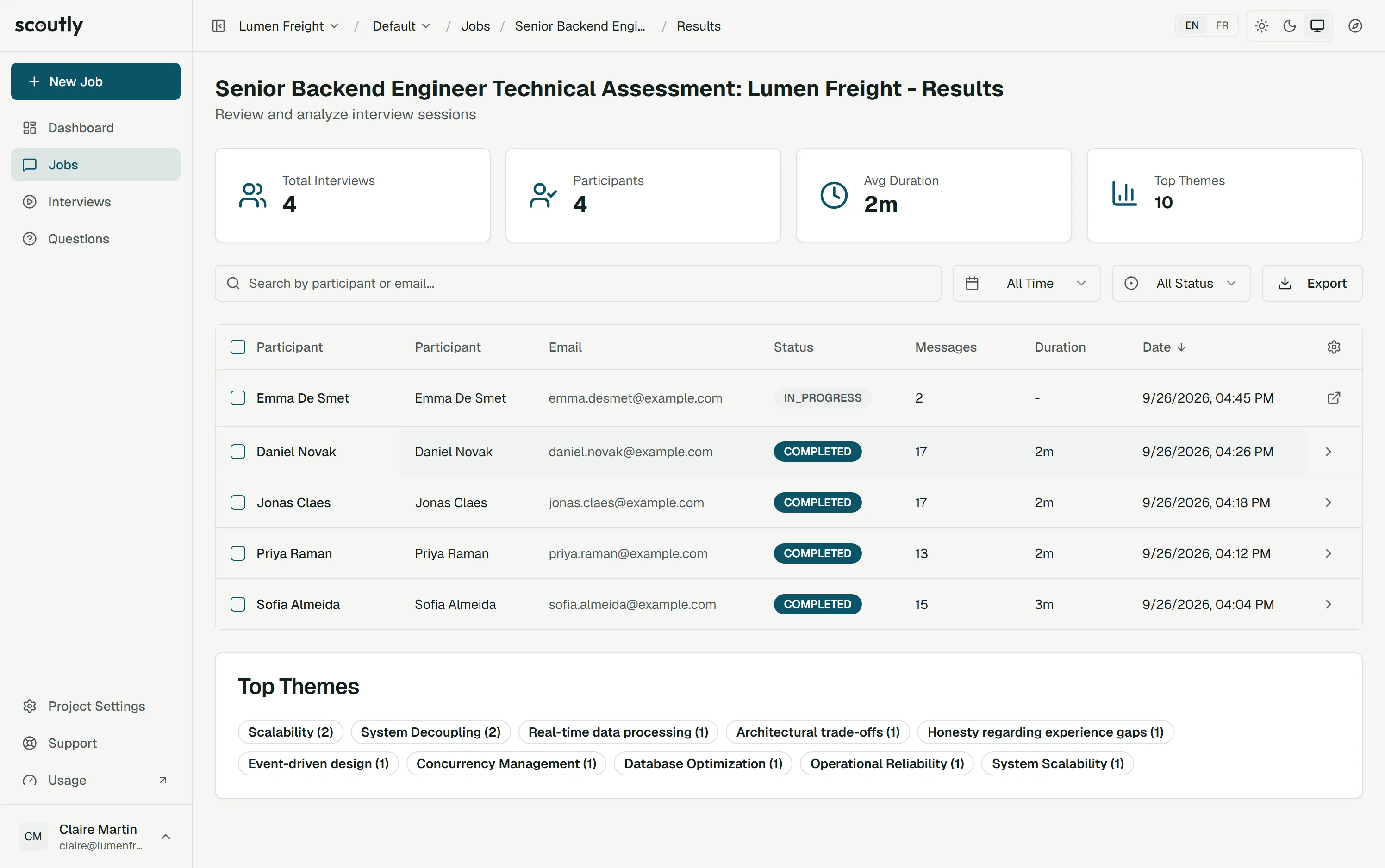
The Results page shows all sessions for an interview with status badges, scores, message counts, and duration. Filter by status or date range and search by participant name.
Session Report
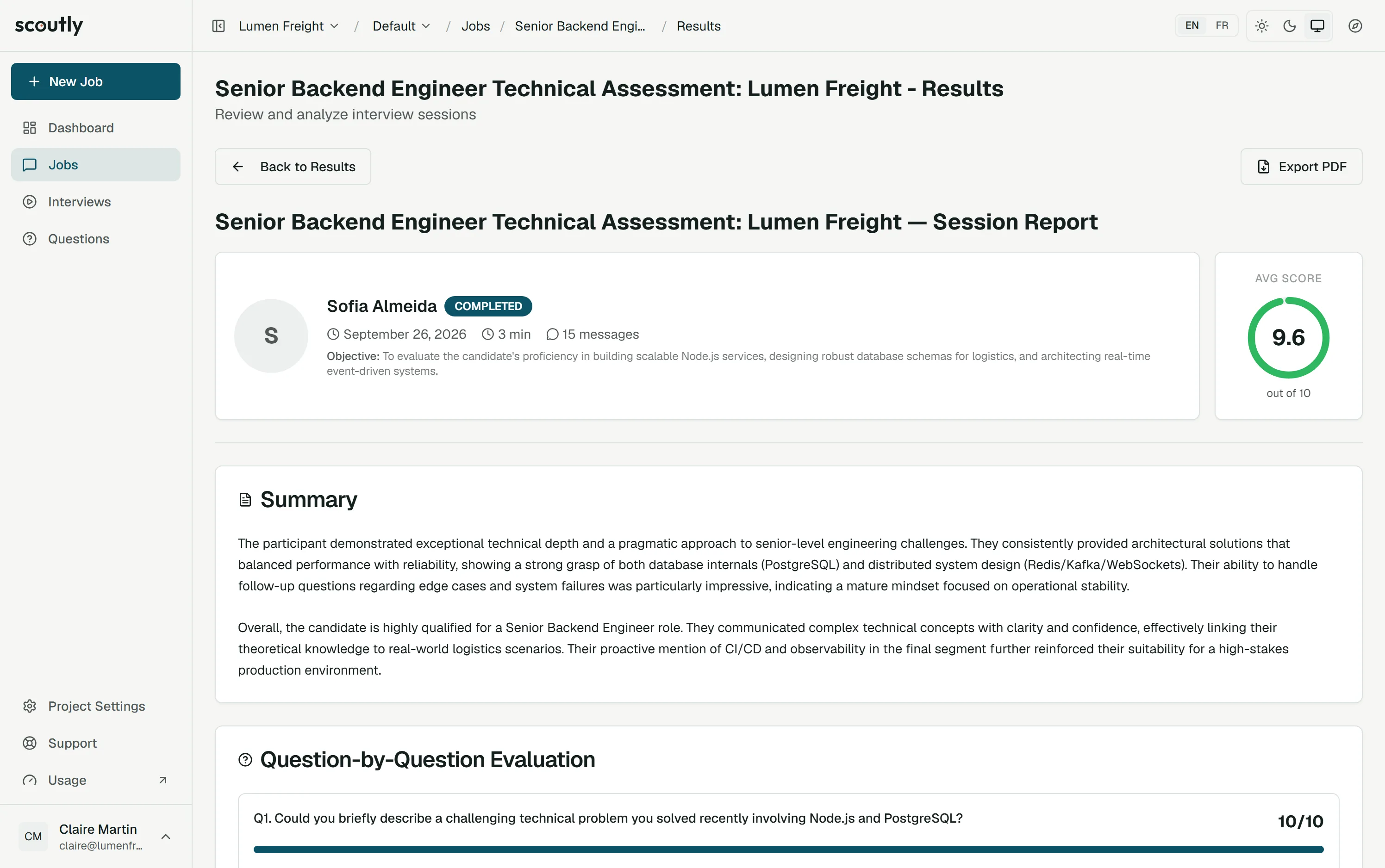
Click any session row to open the full report. It includes the candidate's info, average score, a summary, and detailed per-question evaluation.
AI Analysis
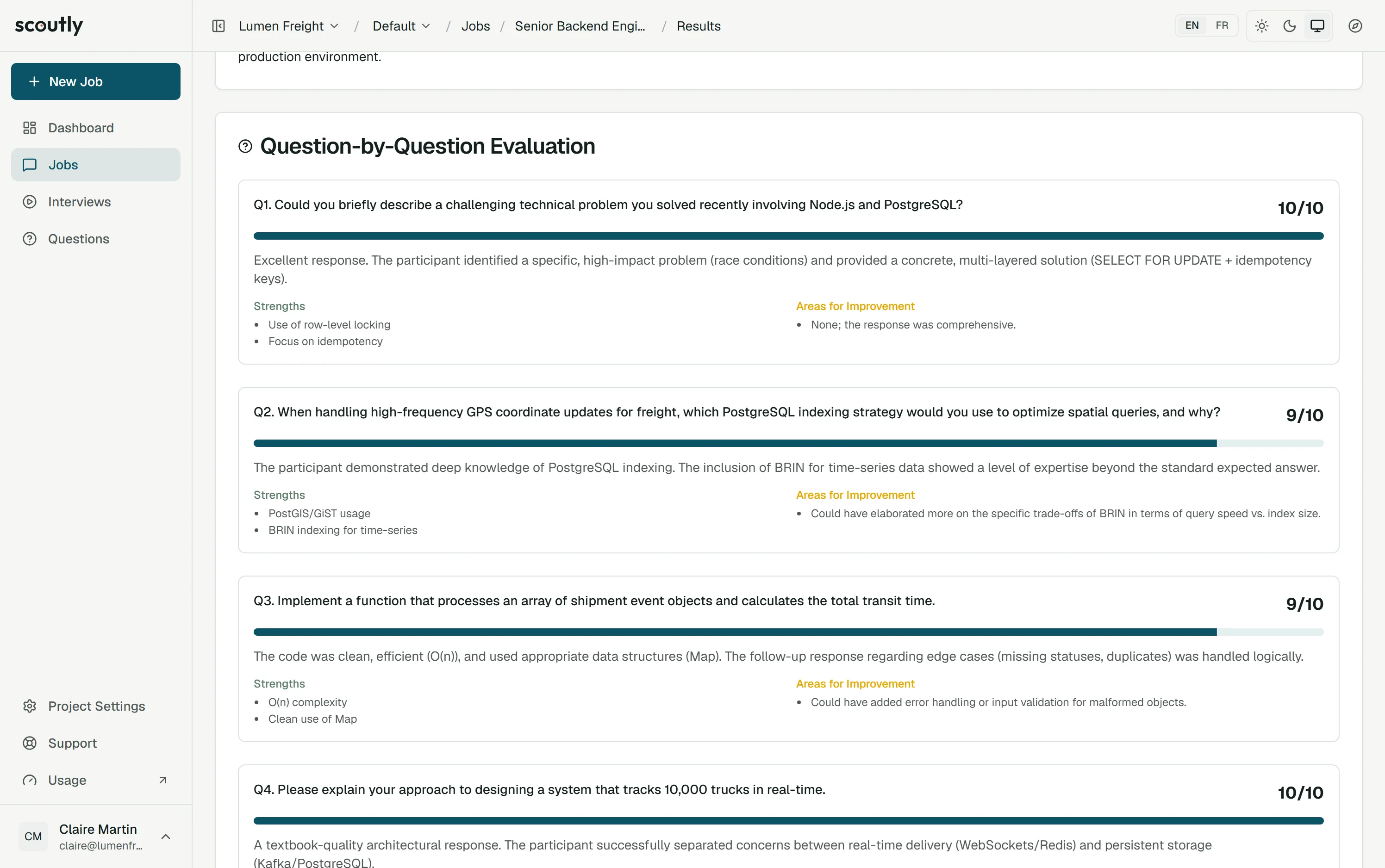
After a candidate completes a session, Scoutly automatically produces:
- Session summary — a concise overview of performance, communication style, and key themes
- Per-question evaluation — each answer assessed for quality, relevance, and depth with a score out of 10
- Key highlights — the strongest parts of the candidate's responses
- Areas for improvement — gaps or weaknesses that may need follow-up
Assessment Scores
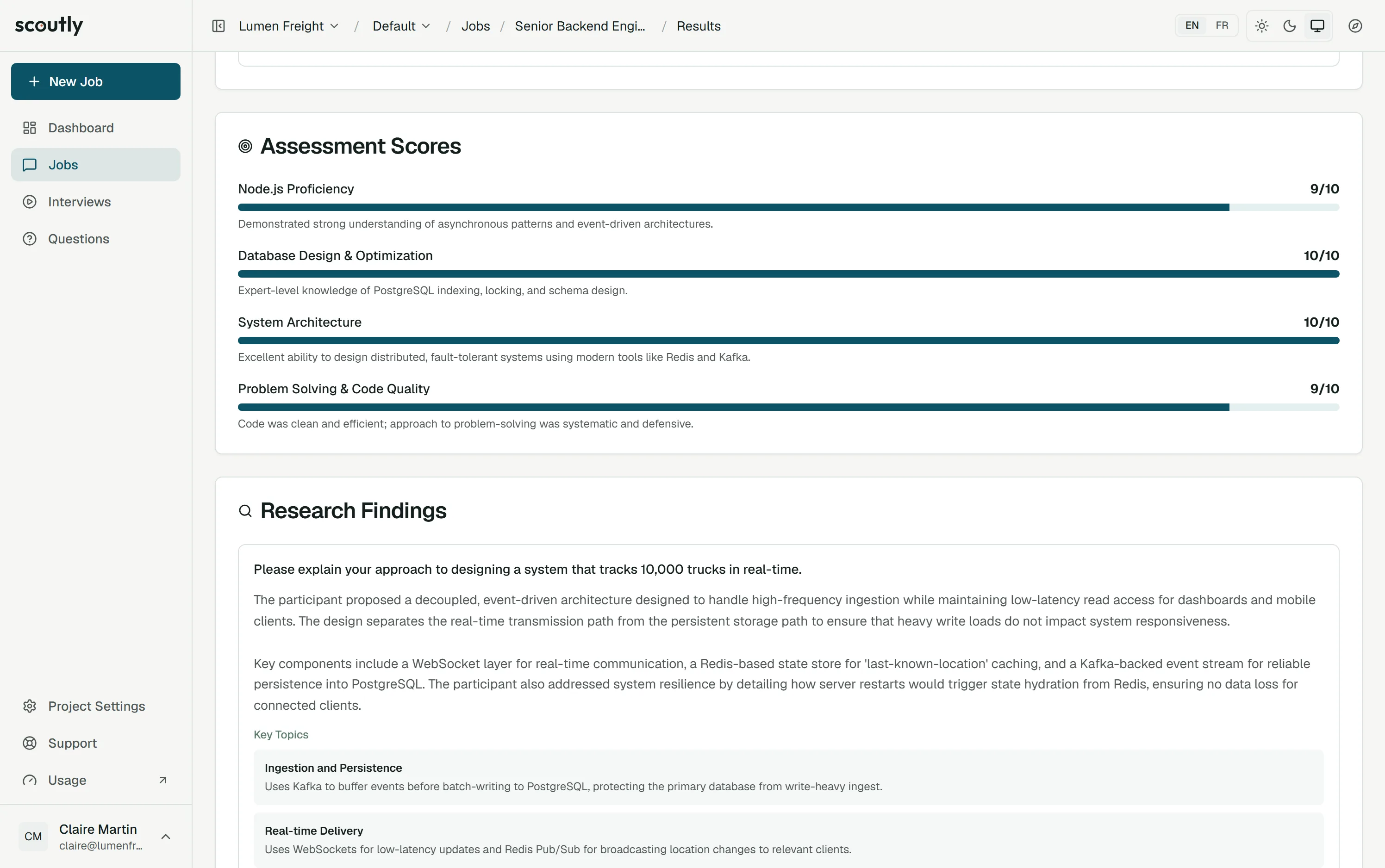
Beyond individual question scores, the AI generates assessment scores across multiple dimensions such as domain expertise, communication clarity, and strategic thinking. Each dimension includes a score and a detailed explanation.
Tip
Use the session summary to quickly triage candidates before diving into the full transcript.Research Findings
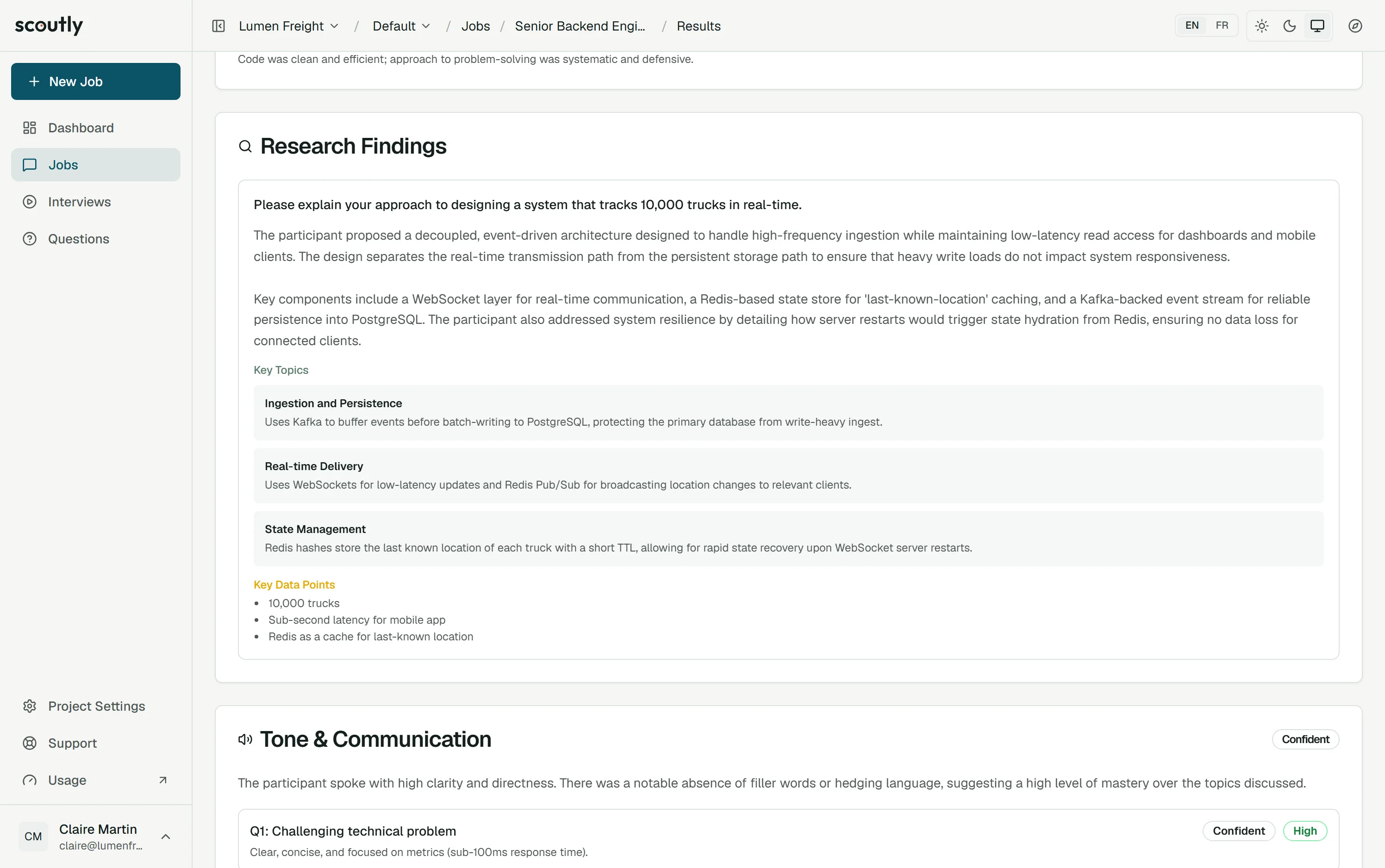
For interviews with research-type questions, Scoutly also extracts structured findings: topics (themes, pain points, preferences) and data points (specific facts, numbers, or statements). Topics help you spot patterns across sessions; data points give you quotable evidence for reports.
Communication style
Scoutly describes how each answer is worded, based only on the transcript: how direct, detailed or hedged it is, and how clearly it is phrased. Each question gets a style label (for example Direct, Detailed or Hedging) and a clarity rating. Scoutly does not infer candidates' emotions from their words, voice or face.
Exporting
Export session results in XLSX (for analysis in Excel or Google Sheets) or PDF (for formatted reports). The Export button is available on both the Results page and individual reports.
Exports include:
- Session metadata (candidate, interview, date)
- Full transcript with timestamps
- Question-level evaluation and scores
- AI summary and key highlights
- Research findings (when available)